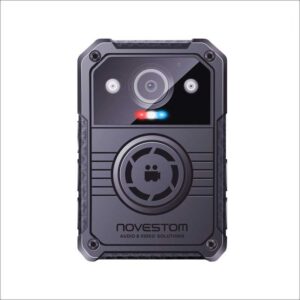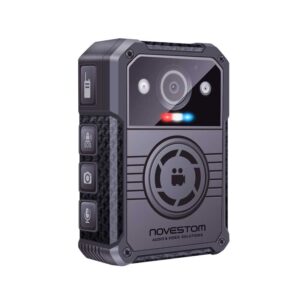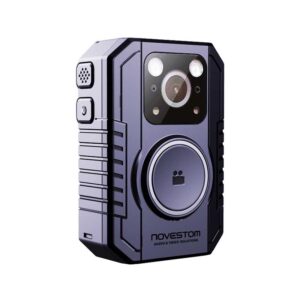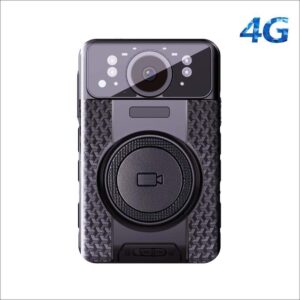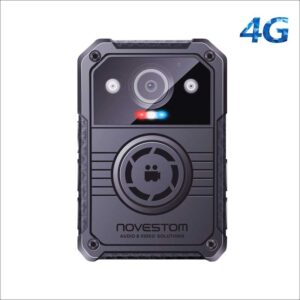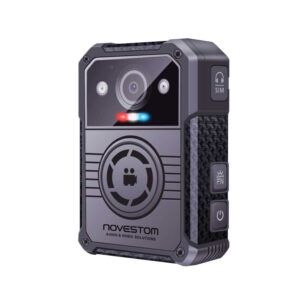
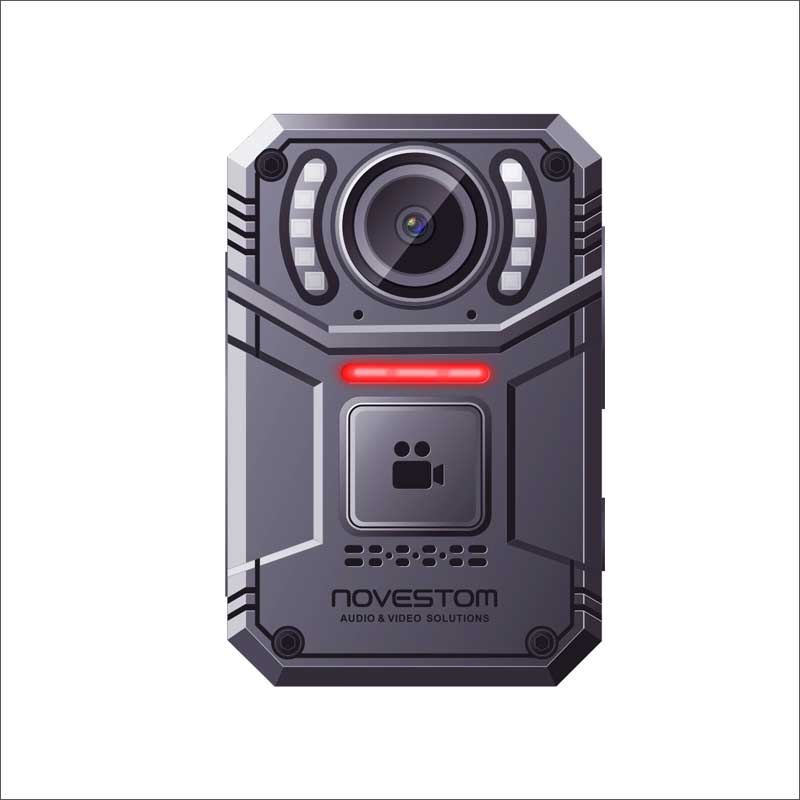
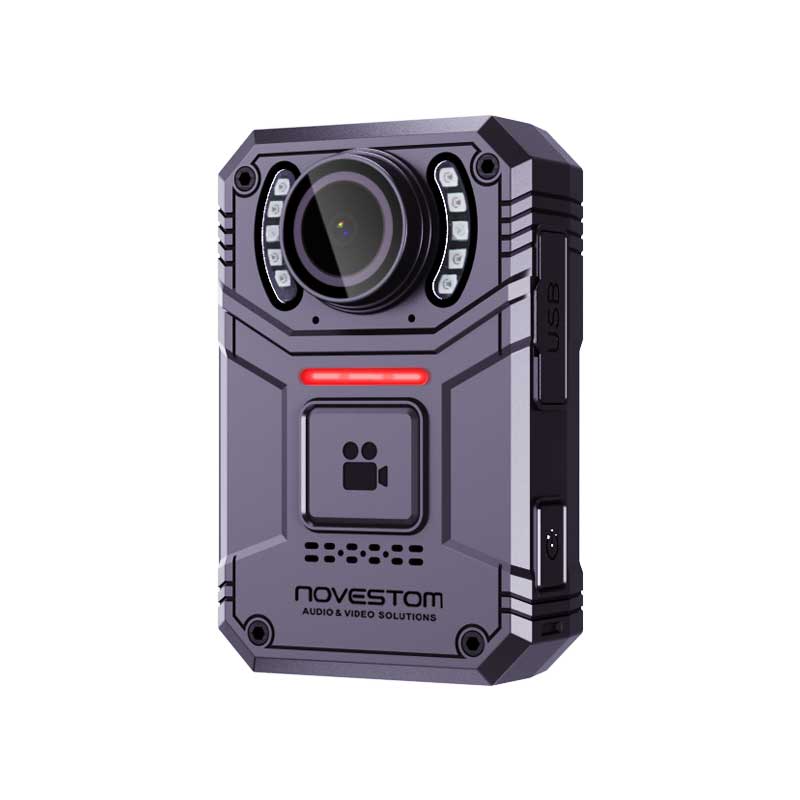
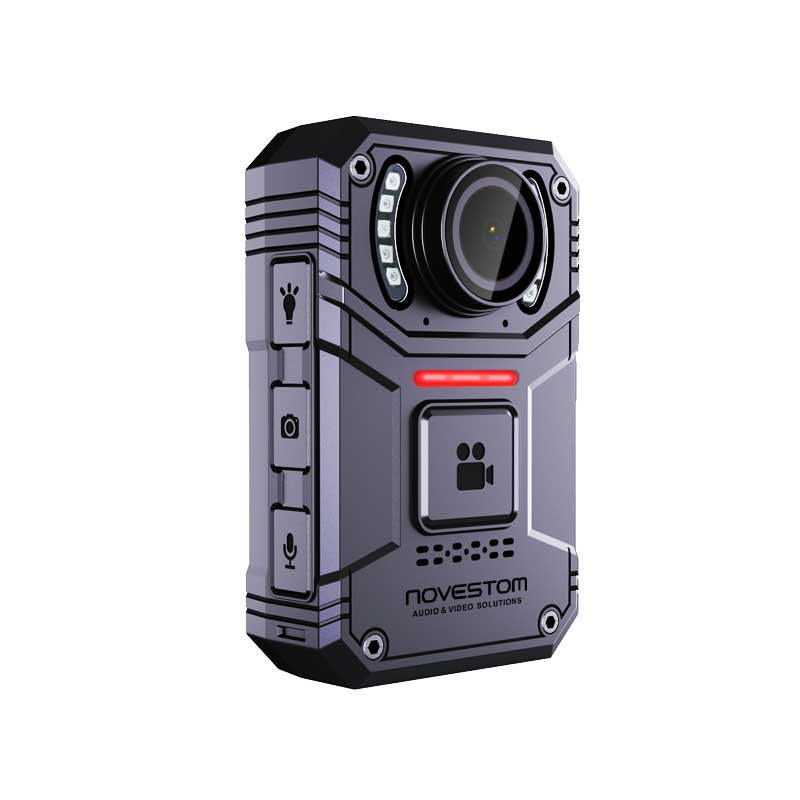
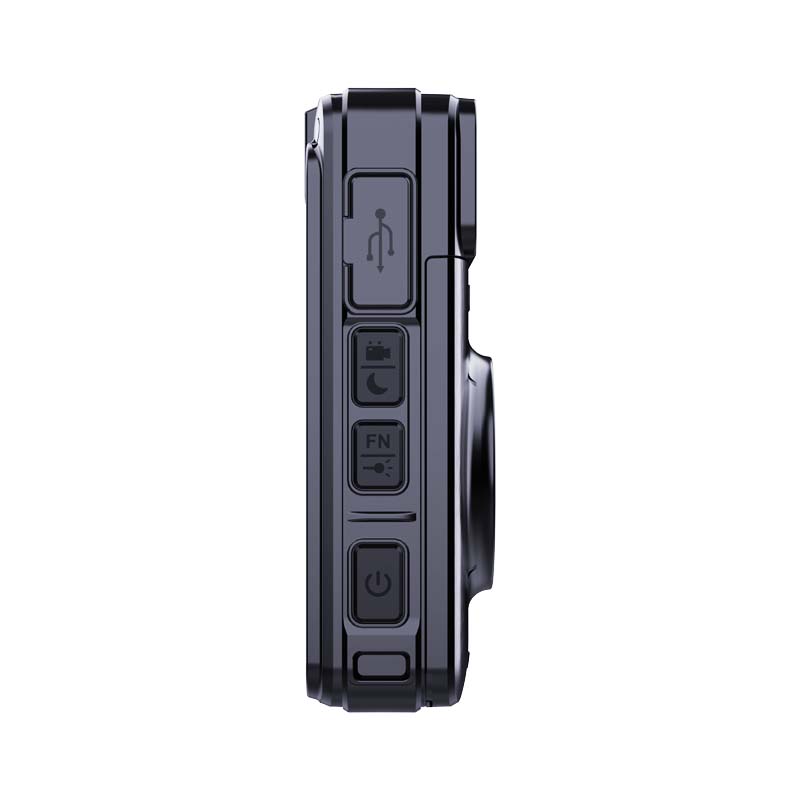
4K Body Worn Camera NVS3
Model: NVS3
Screen:2inch IPS LCD 480×360 RGB.
Video Resolution: 4K Video resolution.
Recording Time: Built-in 2500mah battery, Above 8 hours at 1080P
Audio Mode: Two High Quality Built-in Microphone with Noise reduction.
Charging interface: USB-C.
Memory: 64GB, 128GB, 256GB removable TF Card optional.
Product Dimensions: 86×56×24mm
OEM: supports. no brand LOGO for the samples.
Body Worn Camera Overview:
4K body worn camera NVS3 is a latest 4K video capture device with competitive (low) price and high quality, and supports 4K solution ultra-high-definition F/1.8 large aperture video recording, built-in 2800mAh battery for 10 hours of continuous recording, ultra-thin body design weighing 105 grams, IP67 waterproof level, 2.0-inch TFT ultra-clear display for playback and viewing of audio and video files. The 6-layer glass lens module, audio and video noise cancelling, will have clearer audio integration, SOS red and blue flashing alarm, the audio and video has been well received by customers.
Video/Photograph/Audio Recording:
4K body worn camera NVS3 supports audio, video and photo functions, and has a built-in powerful image processing module. You only need to press the corresponding record button to record different types of data. The video supports 4K resolution (1440P, 2160P(30FPS)/1440P(30FPS)/1296P(30 FPS)/1080P(30 FPS)/ 720P(30 FPS)/ 480P(30 FPS)), and built in audio and video noise reduction module, making the Audio and video clearer. Let all law enforcement workers and users experience better recording effects.
Low Power Consumption, More Battery Life:
4K body worn camera NVS3 builted-in 2500mAh high capacity ion battery, without changing the battery design, super long standby, super large capacity battery, continuous 8 hours of video, to ensure that law enforcement responsibility for a long time.
Body Worn Camera Button Function:
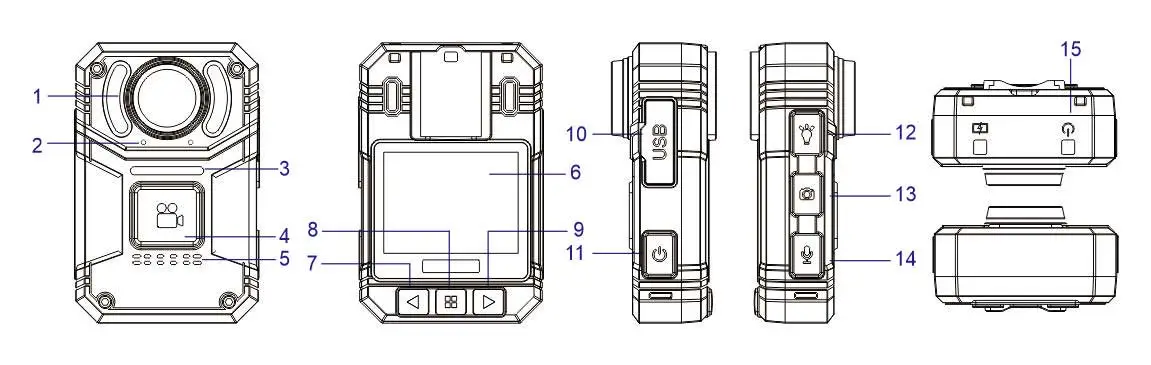
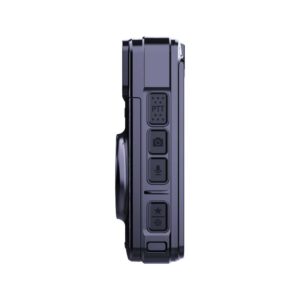
1. White LED + SOS LED | 2. Dual Microphone | 3. Recording Front LED Indicator | 4. Record Button | 5. Speaker | 6. LCD Screen | 7. Left Button | 8. Menu /Confirm Button | 9. Right Button | 10. USB Cover | 11. Power Button | 12. LED Button | 13. Photo Button | 14. Audio Button / Return button | 15. Power LED/ Charging LED
Body Worn Camera Parameters:
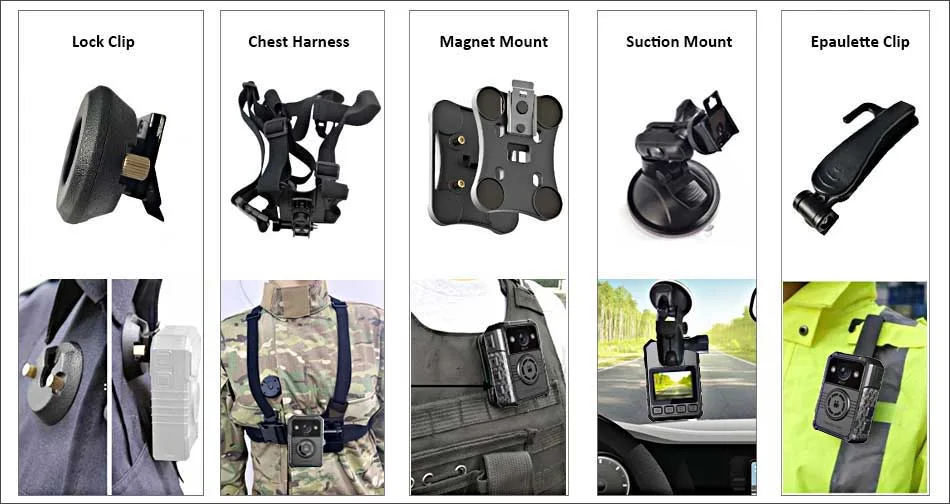
4K Body Worn Camera NVS3 Accessories Optional:
NOVESTOM offers a range of optional accessories to suit various wearing environments.