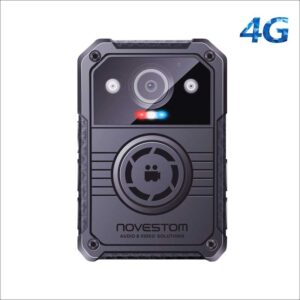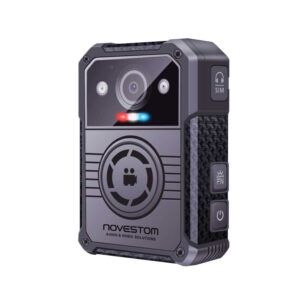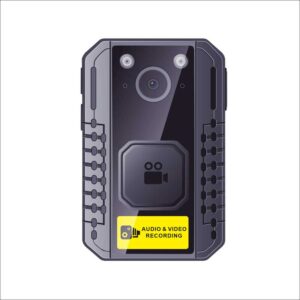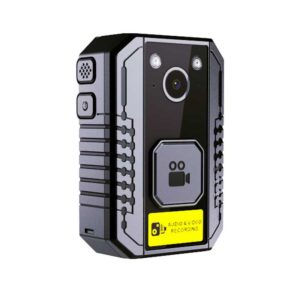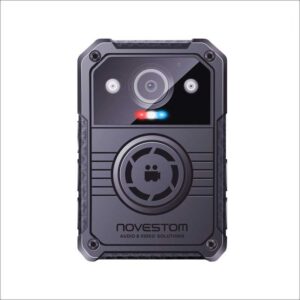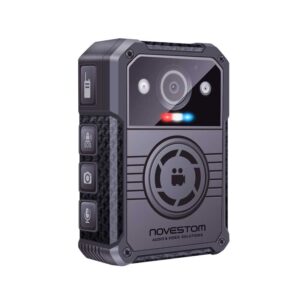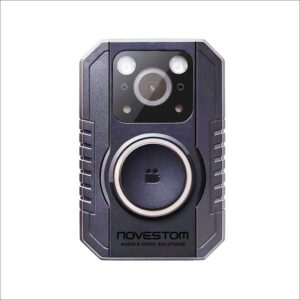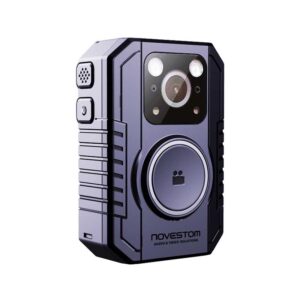
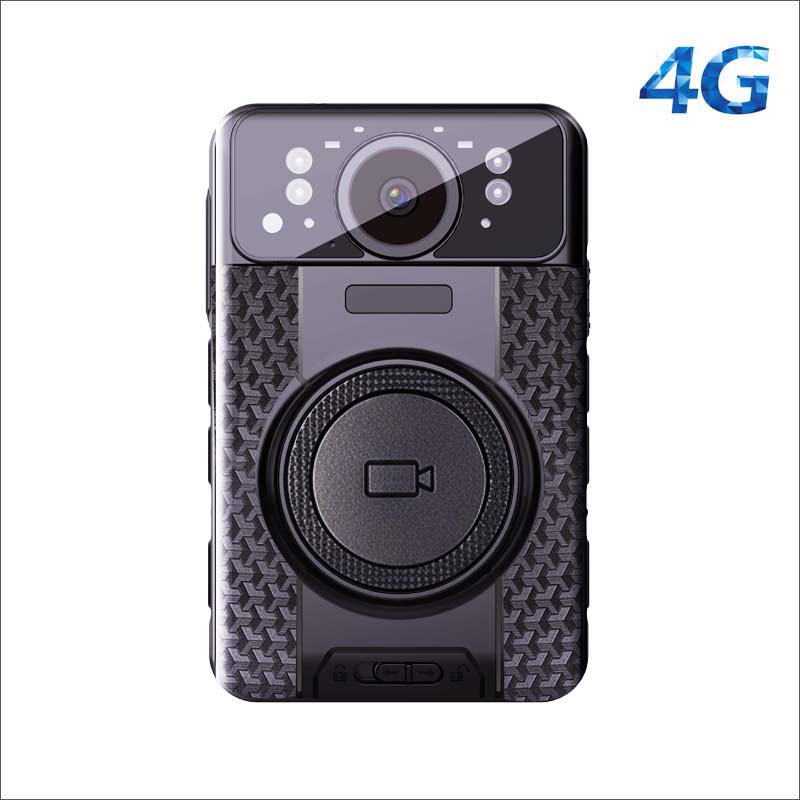
4G LTE Body Worn Camera Android NVS4-A
Model: NVS4-A 4G Android
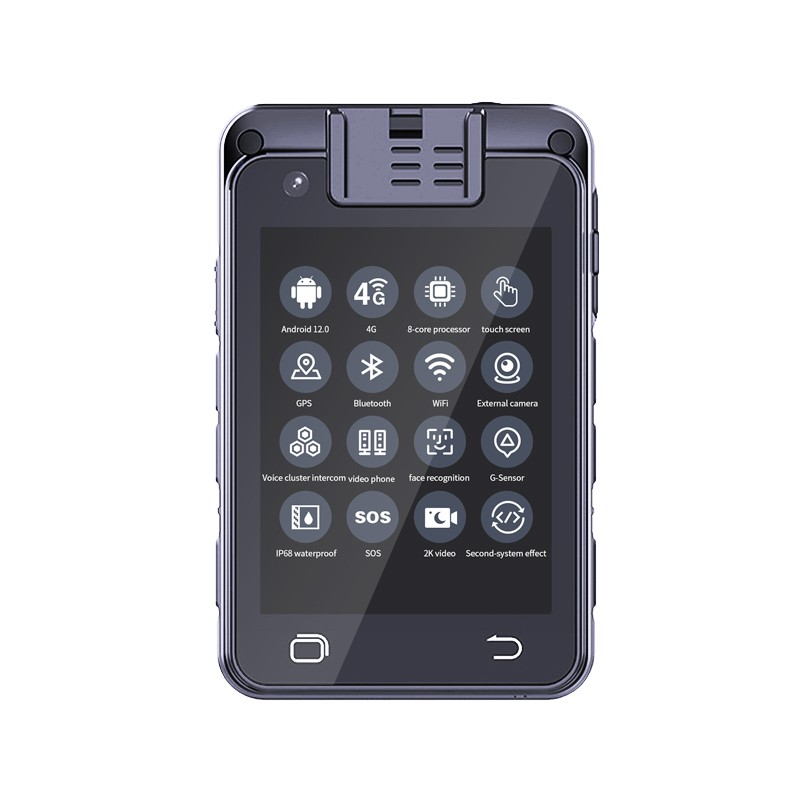
Screen: 2.8 inches 480*640 Capacitive multi-touchscreen
SOC Chip: 8-core 64-bit 2.0G CPU
System: Android 12
Main configuration: 4G+WIFI+GPS+Bluetooth.
Video Resolution: KK Video resolution.
Recording Time: 3050mah battery for 10 hours recording.
Uploading Mode: Automatic upload data to CMSV server by 4G or WiFi.
Data Protection: AES/RSA and USB encryption.
Charging interface: USB-C + Dock.
Memory: 64GB, 128GB, 256GB Optional
Visual control function: 4G&WiFi Real Time Monitoring, SOS, GPS Tracking, PTT Intercom by CMSV.
OEM: supports. no brand LOGO for the samples.
4G Body Worn Camera Overview:
The 4G body worn camera NVS4-A is a live streaming capture device integrated with an Android system. It is equipped with 4G and Wi-Fi live broadcast, providing a more advanced command solution for on-site law enforcement and remote control. GPS can locate and command in real time, SOS and PTT have high-definition two-way voice intercom, IP67 waterproof rating, body worn camera and visualization platform can interact conveniently, EIS electronic image stabilization technology can keep the image stable, The law enforcement recorder also supports the most popular RTMP and RTSP protocols at a competitive price and high quality so that it can be used on more platforms.
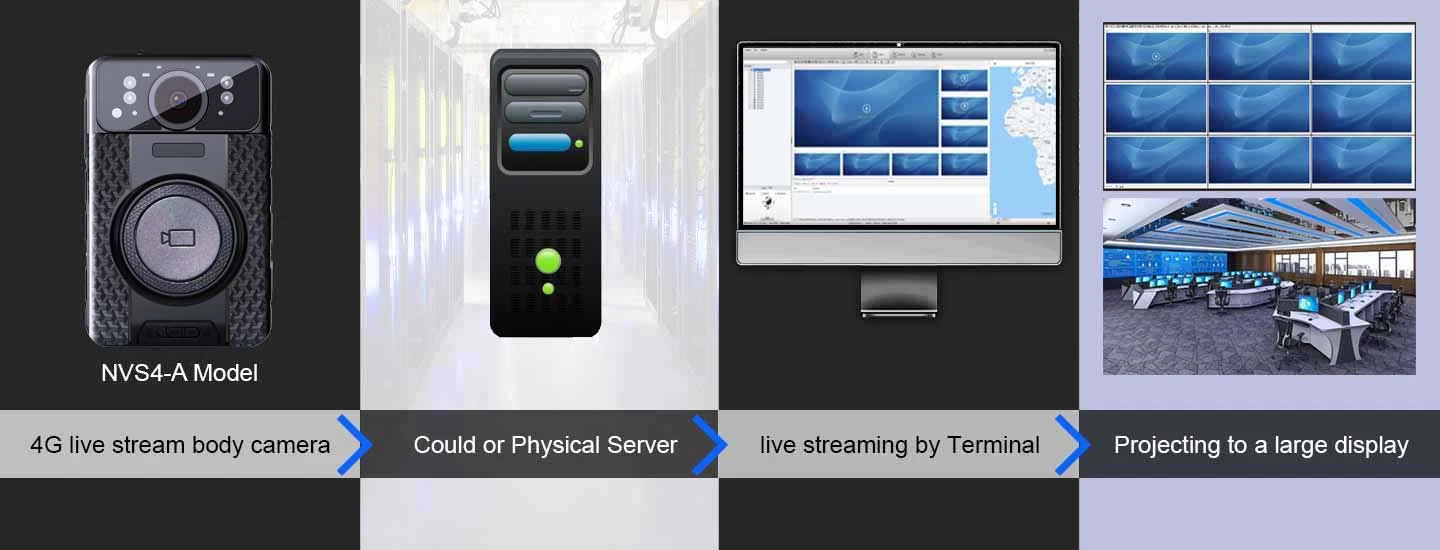
4G live streaming:
The 4G Android body worn camera supports standard 4G Nano SIM Card. However, when the camera installed the 4G card into the camera, the camera will get 4G signal. At this time, CMSV6 will show that the camera is online. And then you can remotely view 4G live streaming by CMSV Visual Command Platform.
Wi-Fi live streaming:
After setting the camera to your WiFi network, However, the camera video will be displayed with the CMSV platform.
GPS tracking:
When the android body worn camera is connected to a 4G or WIFI network, However, the camera will receive a GPS signal. You can check the real-time location and schedule work at any time through the CMSV Visual Command Platform.
Two-way intercom and trunking intercom:
When the 4G android body worn camera is connected to the 4G or WIFI network, However, the camera can communicate with the CMSV Visual Command Platform, and supports two-way intercom and cluster intercom.
SOS Alarming:
When the 4G android body camera is connected to the 4G or WIFI network, At this time, law enforcement officers encounter an emergency at the scene; they can try to press the SOS button to alert the command center platform, and the command center platform will receive an SOS alarm prompt.
Video/Photograph/Audio Recording:
The 4G body worn camera supports audio, video and photograph functions. The video supports 2K resolution (2160P, 1440P, 1296P, 1080P, 720P, 480P).
Low Power Consumption, More Battery Life:
The 4G body worn camera built-in 3050mAh high capacity ion battery, without changing the battery design, super long standby, super large capacity battery, continuous 11 hours of video, to ensure that law enforcement is responsible for a long time.
4G Body Worn Camera Button Function:
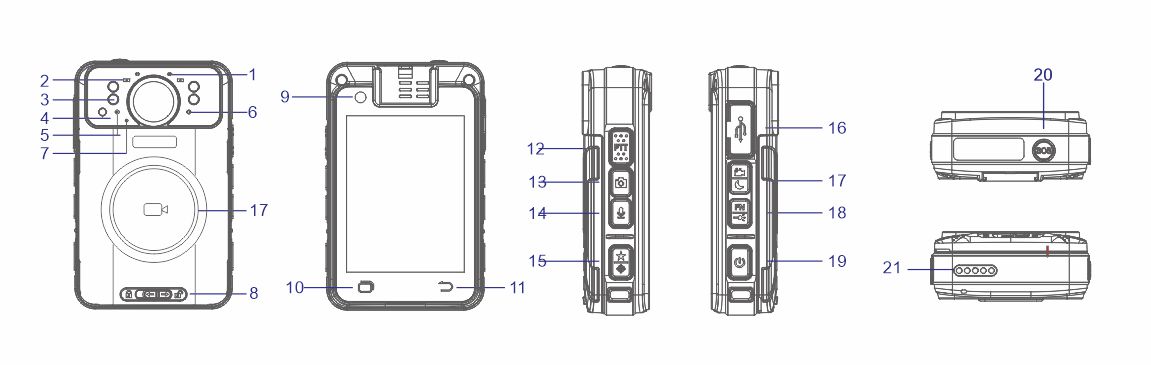
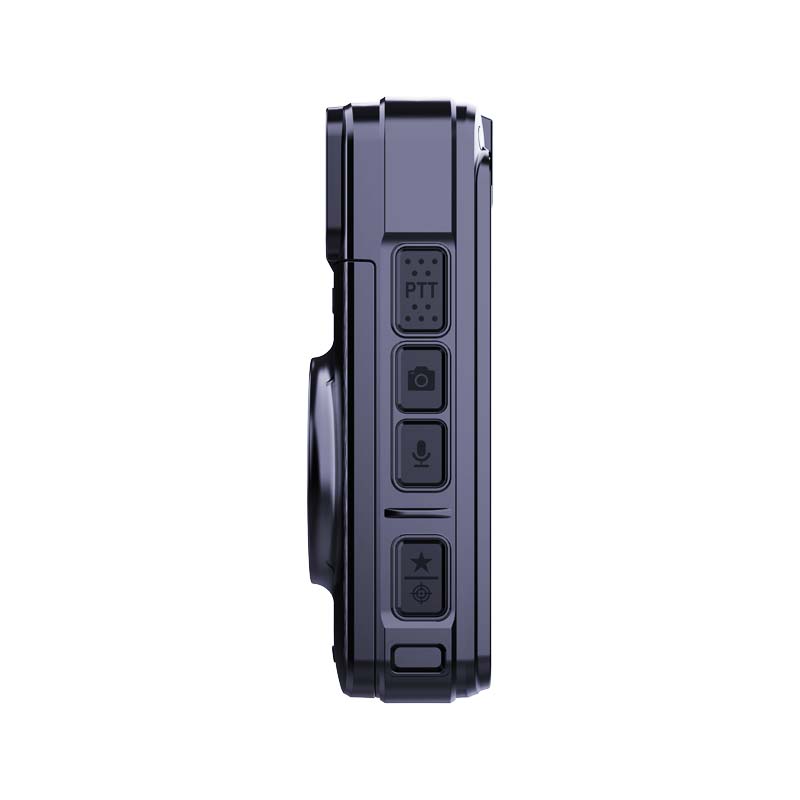
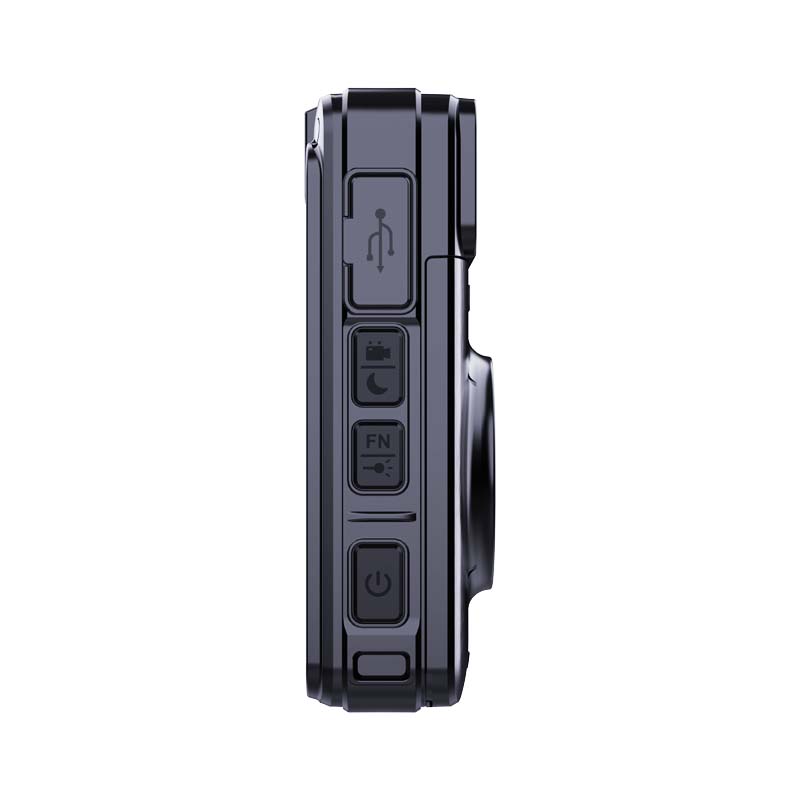
1. Working Indicator | 2. SOS LED x 2 | 3. Infrared LED x 4 | 4. Brightness Detect Sensor | 5. White LED | 6. Laser | 7. Microphone | 8. Battery Latch | 9. Rear Camera | 10. Home Button | 11. Back /MenuButton | 12. PTT Button | 13. Photo Button | 14. Audio Button / Return button | 15. Tag Button/ Laser | 16. USB-C | 17. Recording Button | 18. FN Button | 19. Power Button | 20. SOS Button | charging port.