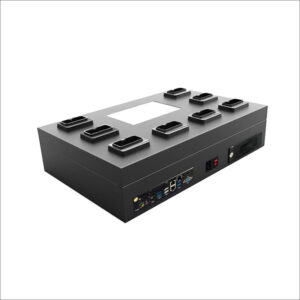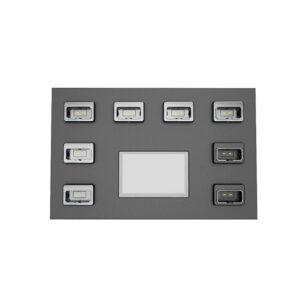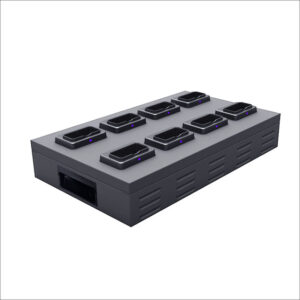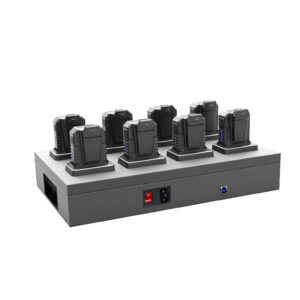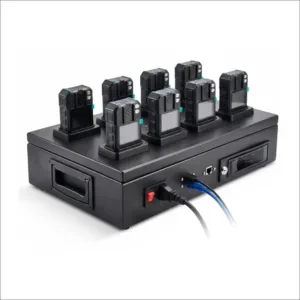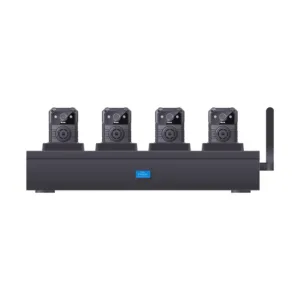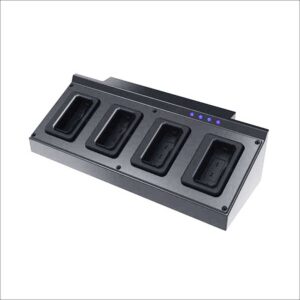
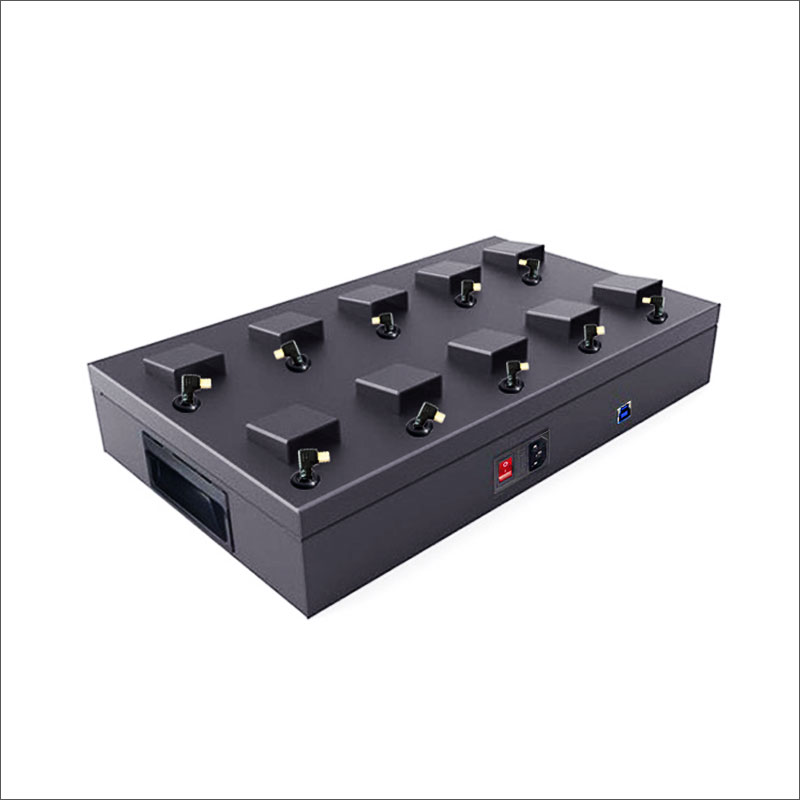
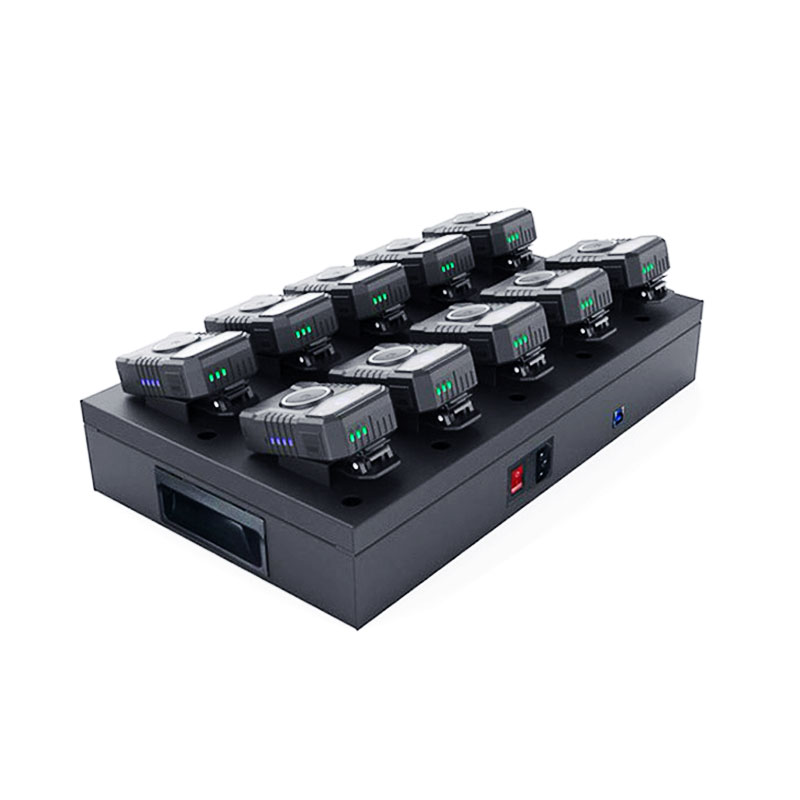
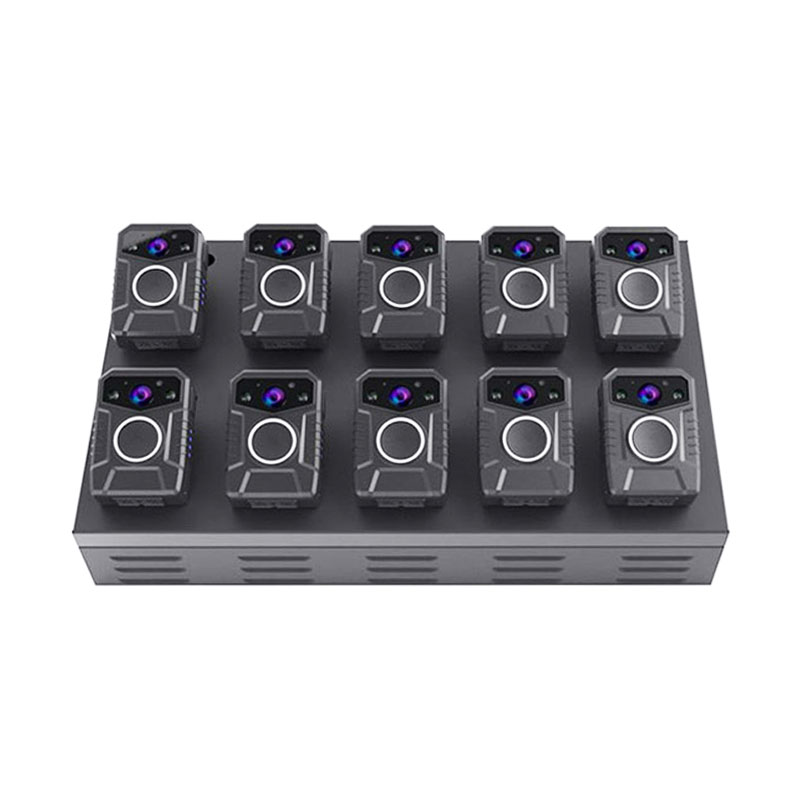
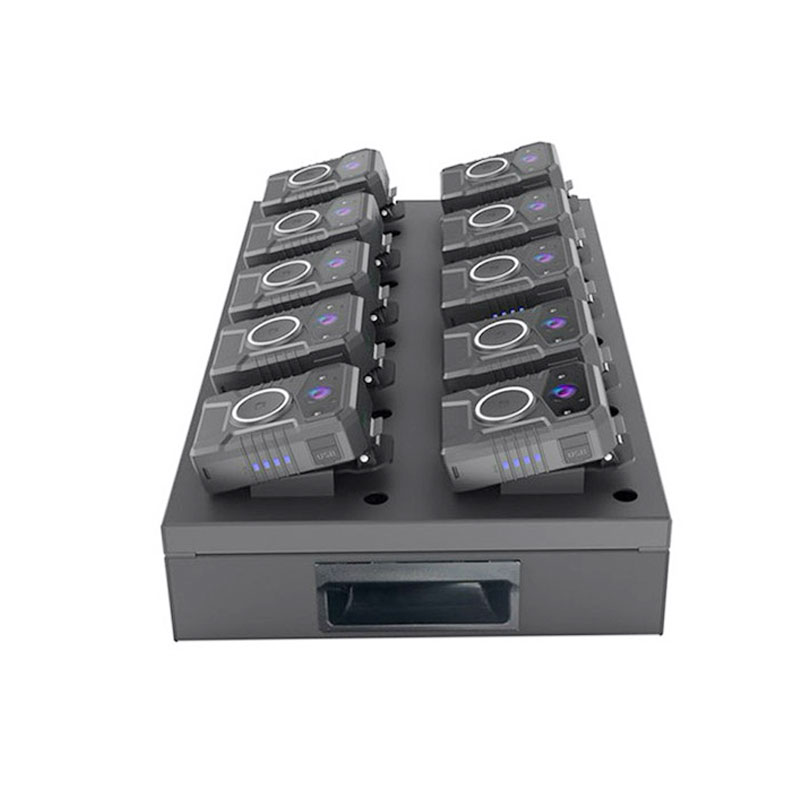
10ports Desktop Docking Station NVS10-A
Model: NVS10-A
- All-metal structure, durable and tough.
- Fully compatible with USB1.1, USB2.0 and USB3.0 plug
- with overload voltage and instantaneous current protection. each port provides up to 2.0A current.
- 10 fixed slots for the police cameras
- L-type USB connector, steadily connected.
- 4 pads to support docking station
- 3 air vents for the motherboard. effective control from overheat.
- with main switch to power on/off the whole system.
10ports Desktop Docking Station NVS10-A Overview:
The 10ports docking station is the latest charging and data uploading device, which can connect up to 10 cameras via USB3.0 port, compatible with the most of police body cameras in the market, In addition to total power of docking reach 120W, each port can provide up to 2.0A of self-adaption current, according to the connected devices, Users only need an office computer, without cumbersome wiring, it features multi-device data collection and charging.
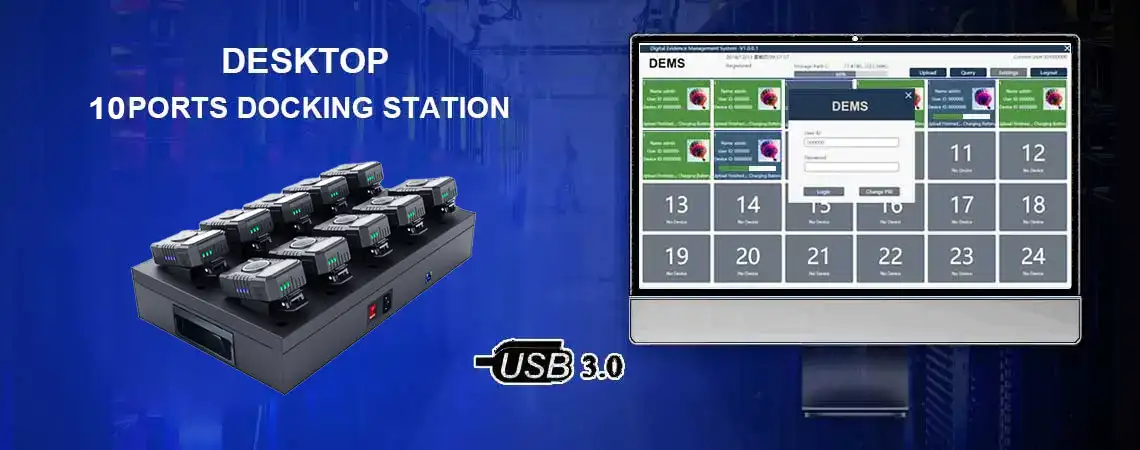
How to connect the docking station?
1, Preliminary preparations:
Desktop docking station NVS10-A, USB cable, Power cable, Digital evidence management software (DEMS) installation program, computer or laptop with windows system.
2, To Install Digital Evidence Management software (DEMS) on your laptop or computer:
Please follow the steps in the DEMS installation manual to install.
3, To connect the desktop docking station:
Please connect the docking station to the computer or laptop by USB cable, and then open DEMS and connect the body camera to the docking station. However, the data is automatically uploaded to your computer or laptop.
DEMS Data query:
Once the docking station has uploaded the camera data, you can use the DEMS management software to query the upload date, camera ID, and file name, and manage the tagged files.
Filter functions: Filtrate by User name, User ID, Department, Date, Video Type and Tag, as well as the Keywords. Tick the checkbox of filter items to activate it. For example, if user want to view the video of User ID 000000 within today, he need to tick the “User Name”, “Date” and “Video Type”. Then click “Query” button by DEMS.
DEMS Tag file:
User can click “Tag” button to mark the file as an important file by DEMS, The file details will show the “Tag” in red. Click “Tag” again to cancel the important mark
DEMS Delete file:
Delete function is available under admin account. Other user role does not have permission to delete files by DEMS, unless the admin assign this function for it.